Face Morphing with Delaunay Triangulation
Smooth warping between two faces via point correspondences, Delaunay triangulation, and affine warps per triangle. Plus: population mean faces and caricature generation by extrapolation.
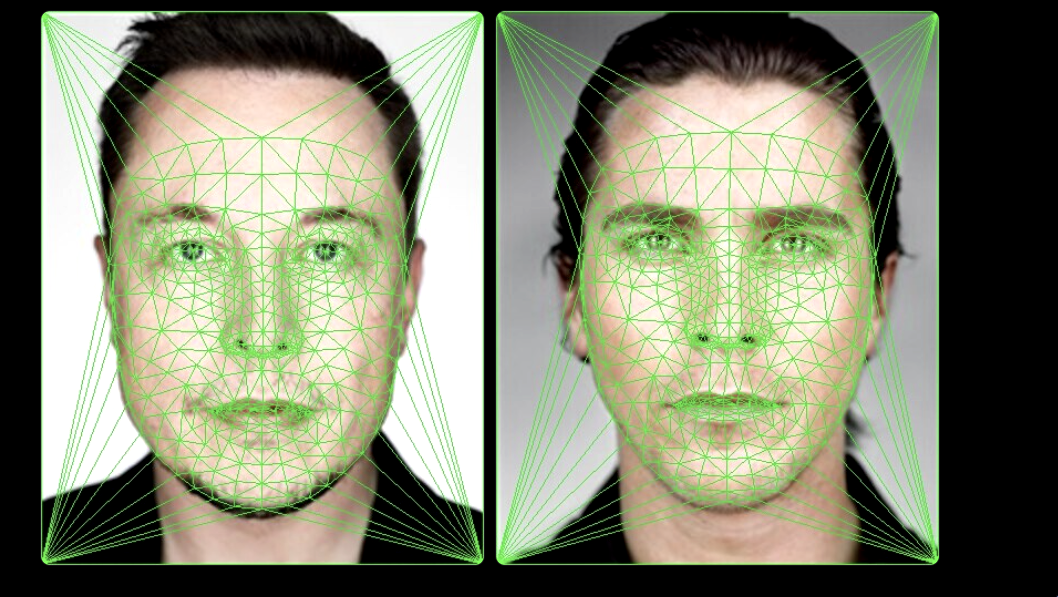
A morph between two faces needs to do two things simultaneously: warp the geometry of one face toward the other, and blend the pixel colors. Doing either alone looks wrong: color blending without warping produces a ghost double-exposure; shape warping without blending leaves the wrong texture in the wrong place. The pipeline does both, parameterized by a single scalar α ∈ [0, 1].
Correspondence and Triangulation
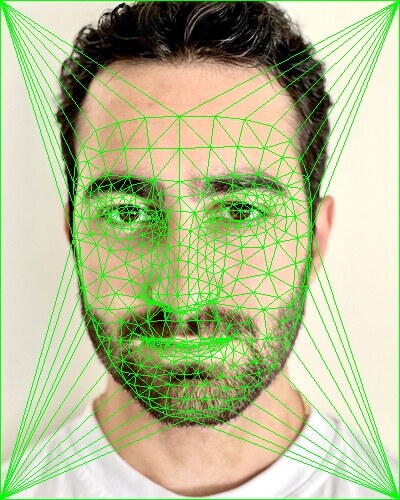
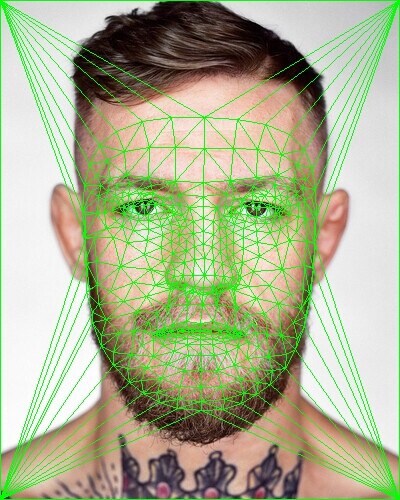
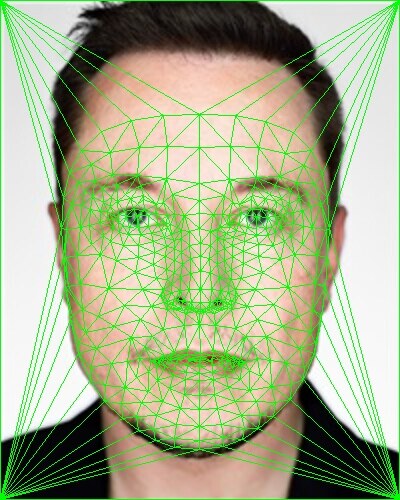
~50 landmark points are manually annotated on each face: eyes, nose tip, mouth corners, jawline, hairline. For the morph at parameter α, the intermediate landmark set is the linear interpolation:
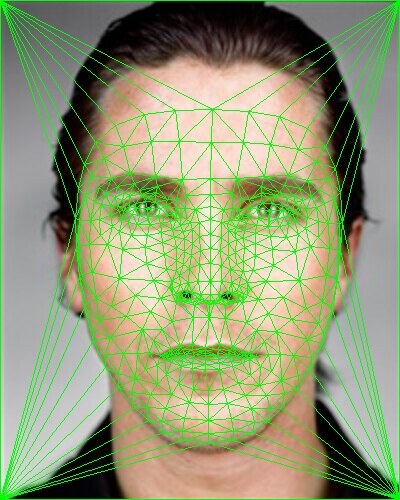
Delaunay triangulation is computed on and the same triangulation topology is applied to both source point sets. Delaunay is chosen because it maximizes the minimum angle across all triangles, preventing degenerate sliver triangles whose affine transforms produce visible seams at triangle edges.
Affine Warp Per Triangle
For each triangle in the intermediate mesh, we need to find the affine transform that maps it back to the corresponding triangle in each source image. An affine map has the form , or in homogeneous coordinates:
Given source triangle vertices and destination vertices , the 6 unknowns are solved from the 6 linear equations:
The warp is applied inverse: for every pixel in the output triangle, apply the inverse transform to find the source coordinate, then sample with bilinear interpolation. This avoids holes from forward-mapping. The final pixel at each location is the weighted blend:
Morph Sequence
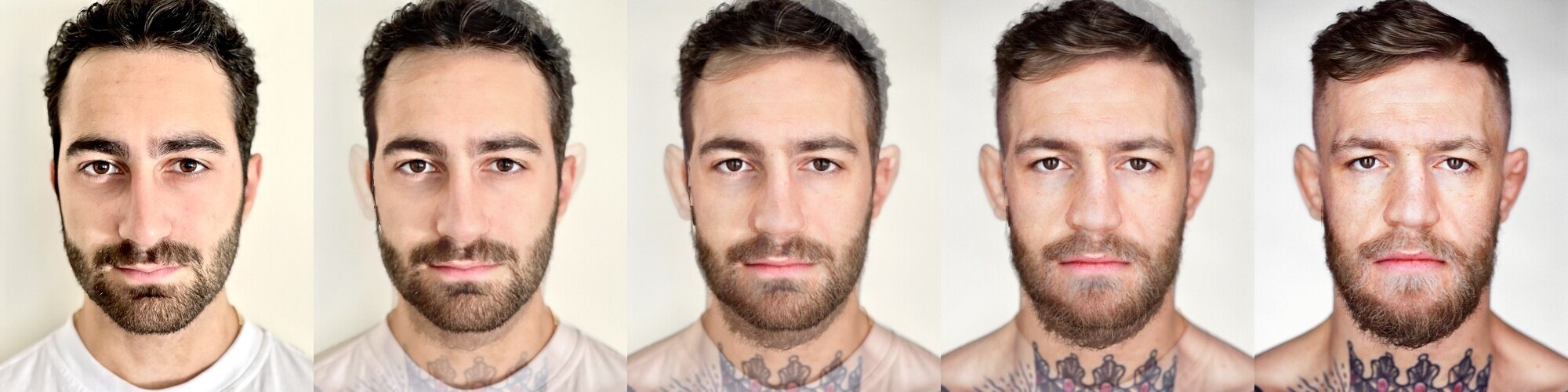
Five frames from a 46-frame morph sequence. The eyes shift early; they’re constrained by many nearby landmarks. The jawline transitions more gradually because it spans a larger area with fewer triangle boundaries between source and target positions.
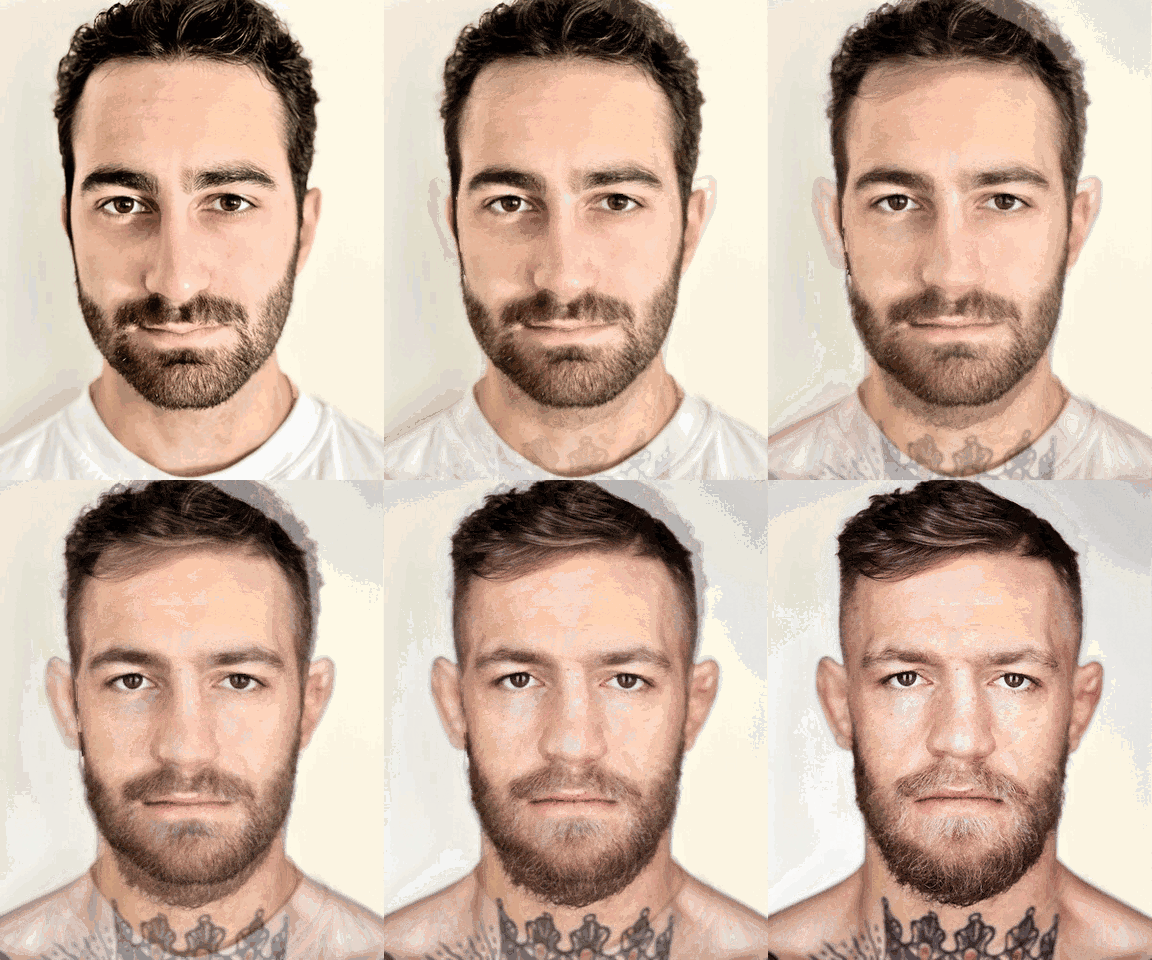
The full animation at 30 fps. One failure mode worth noting: large brightness differences between faces cause the cross-dissolve to produce a visible “fade through gray” artifact mid-morph. A color-matched preprocessing step (histogram matching) largely eliminates this, at the cost of changing the source images.
Population Mean Face
Given a dataset of 40+ Danish faces with annotated landmarks, the mean face is computed by:
- Averaging all landmark coordinates to get
- Warping each face to the mean shape using the same per-triangle affine procedure
- Averaging the warped pixel values
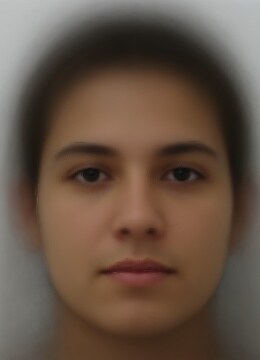
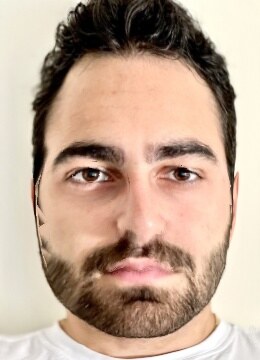
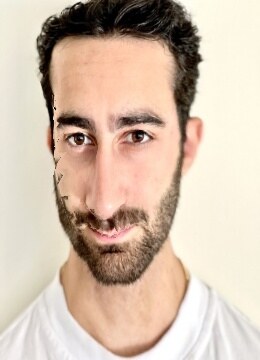
Left: the population mean. Center: my face warped to the mean’s geometry, same texture, average proportions. Right: caricature at α = 1.5. Instead of interpolating toward the mean, the landmarks are extrapolated away from it: . Whatever made my face geometrically distinctive gets amplified. The effect exaggerates the features that differ most from the population average.
Caricature quality is sensitive to correspondence quality; a poorly placed landmark gets extrapolated into a more severe artifact than the original misplacement. This is a good diagnostic: caricatures reveal which correspondences were lazily annotated.
Related projects
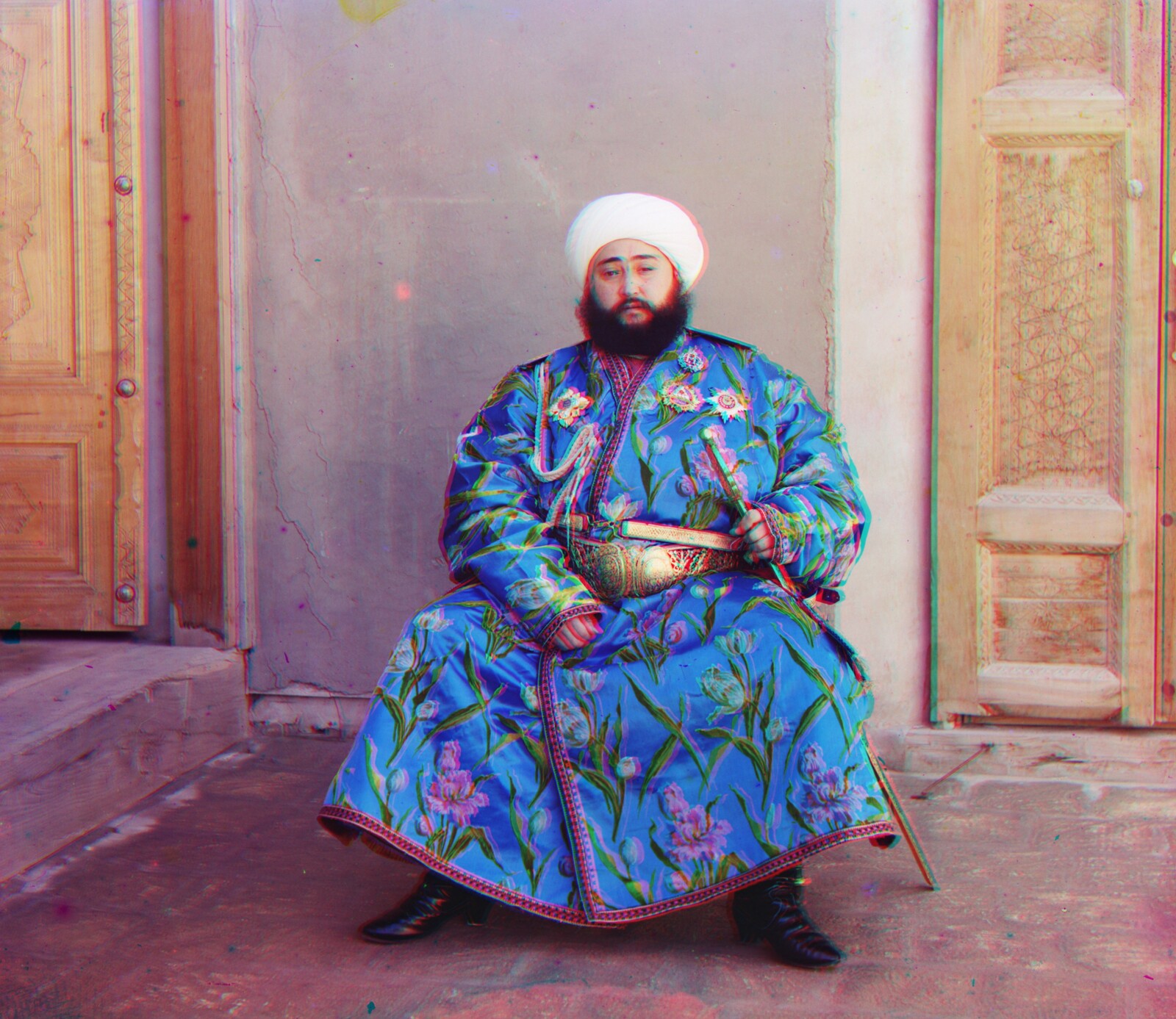
Colorizing 1907 Russian Empire Photographs
Reconstructing color from Sergei Prokudin-Gorskii's glass plate negatives (captured 1907–1915) using image pyramids and normalized cross-correlation alignment.
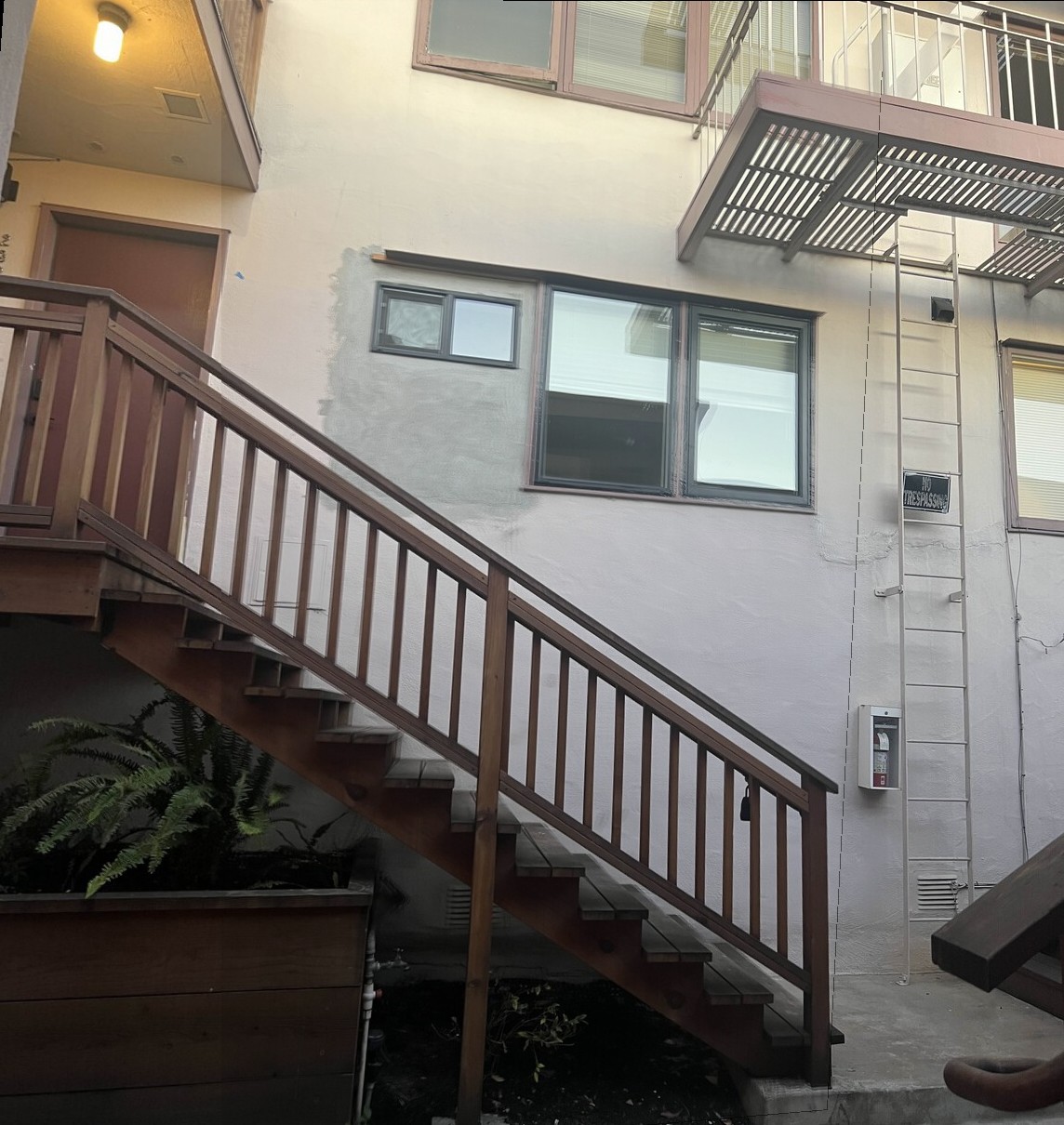
Auto-Stitching Photo Mosaics
Building a panorama pipeline from scratch: Harris corner detection, Adaptive Non-Maximal Suppression, feature matching, RANSAC for homography estimation, and Laplacian-pyramid blending.
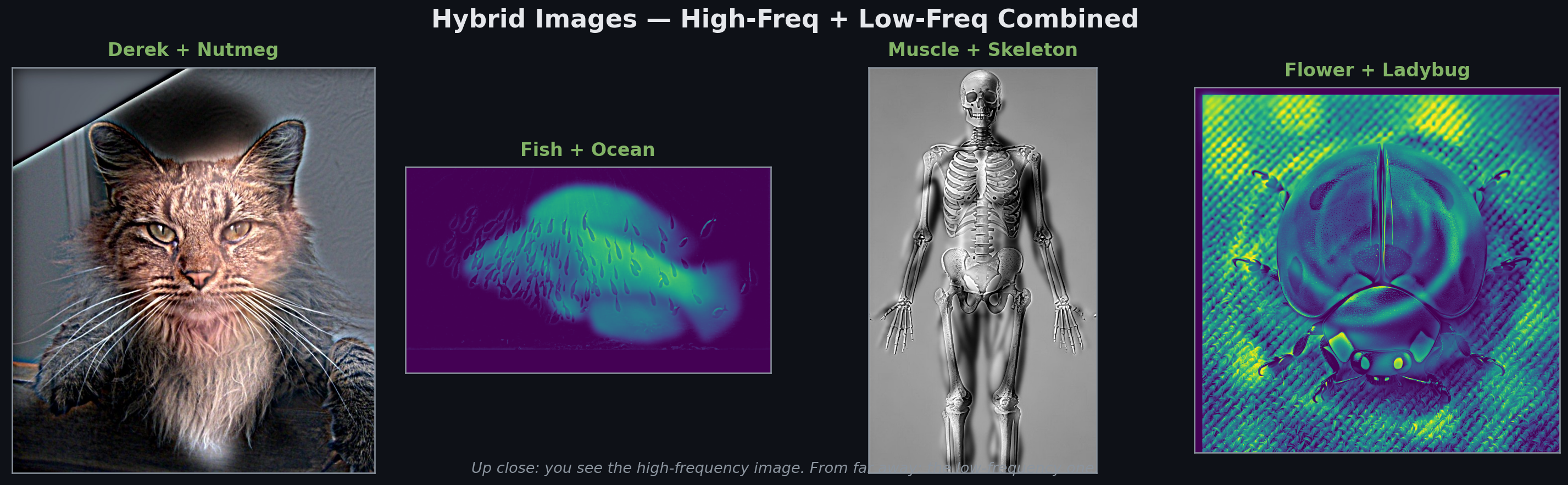
Filters & Frequencies: Edges, Hybrid Images, and Blending
Working in the frequency domain to extract edges, create hybrid images that change meaning with viewing distance, and blend images seamlessly via Laplacian pyramids. Ends with the famous 'oraple.'